
Built for Indian CA & Accounting Practices
One connected workspace for your entire practice.
Client relationships, service requests, recurring work, team capacity and billing—in one workspace for your CA or accounting practice.

- Role-based access
- Authenticator sign-in
- Browsable audit history
One connected practice
Clients and leads. Services and recurring work. Team capacity and time. Billing and profitability.
Together in SynaptechOne.
Clients & services
Client records and service requests
Client groups, service catalogues, intake forms and agreements.
Work & deadlines
Annual plans and recurring work
Yearly planning, due dates, calendar events and bulk updates.
Review & documents
Work Packs and filing readiness
Review queues, document versions and approval records.
Billing & collections
Ready-to-bill work and invoices
Bulk invoicing, payment records and flexible release terms.


Platform
One platform. Every part of your practice.
Practice oversight, team workspaces, a dedicated client mobile app, and billing—all connected to the same client and work records.
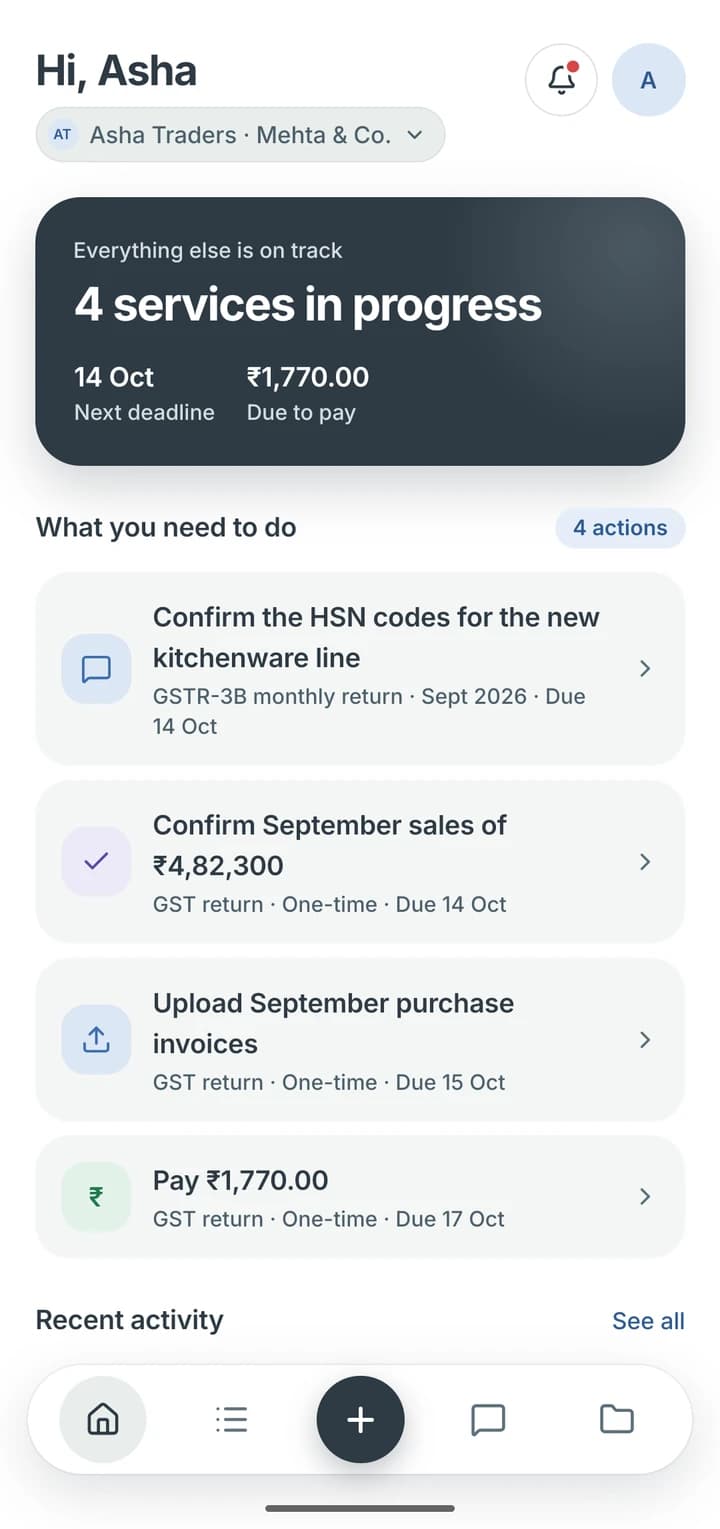
Practice overview: upcoming work, overdue items, assignments by person and what is still unpaid, across every client.
Tally connectivity
Connects Work Packs with your firm's Tally workspace and brings permitted ledgers and PDF statements into the client app.
A dedicated staff phone app
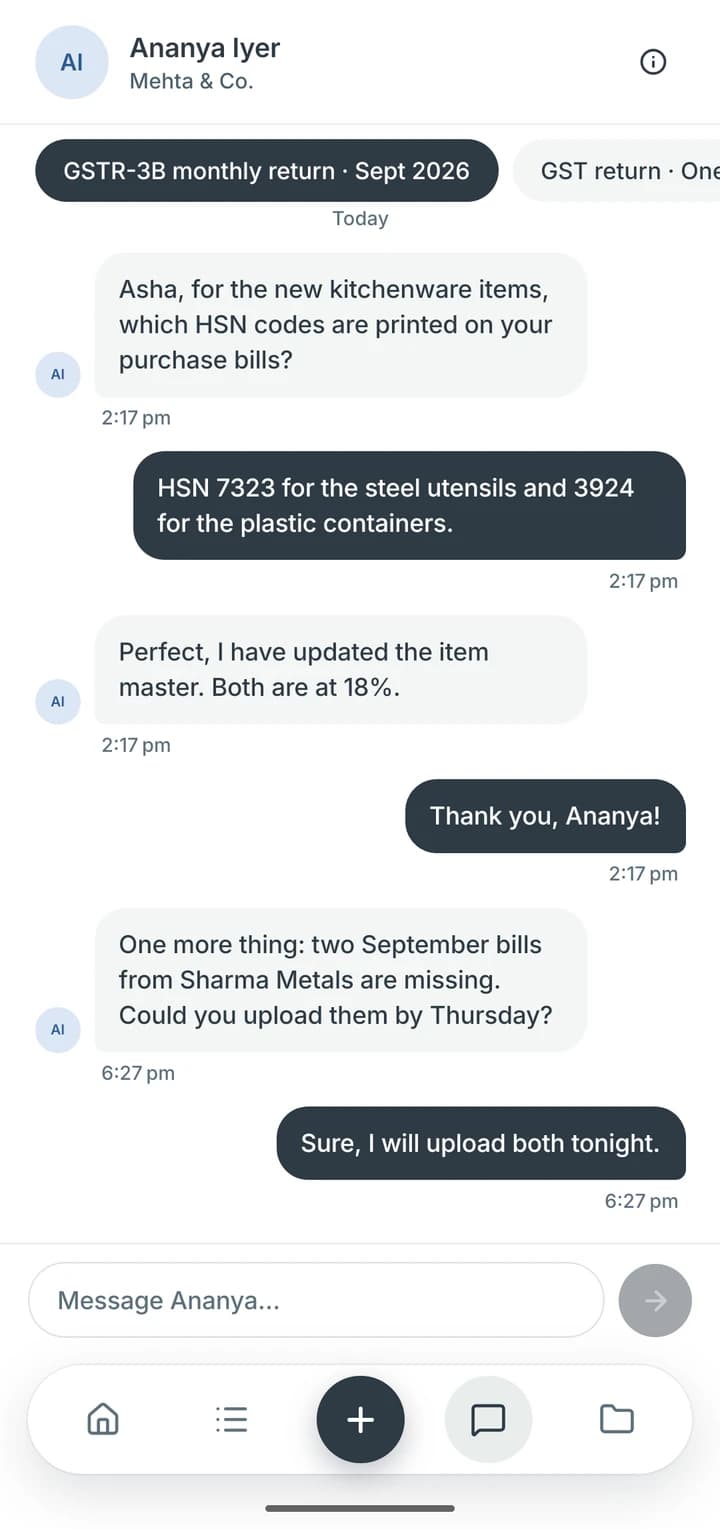
Role-based work queues, calendars, client chats and questions—available to your team on their phones.
In-app invoice payments
Clients pay invoices by card or UPI directly in the mobile app.
Practice planning
Annual work plans. Daily priorities.
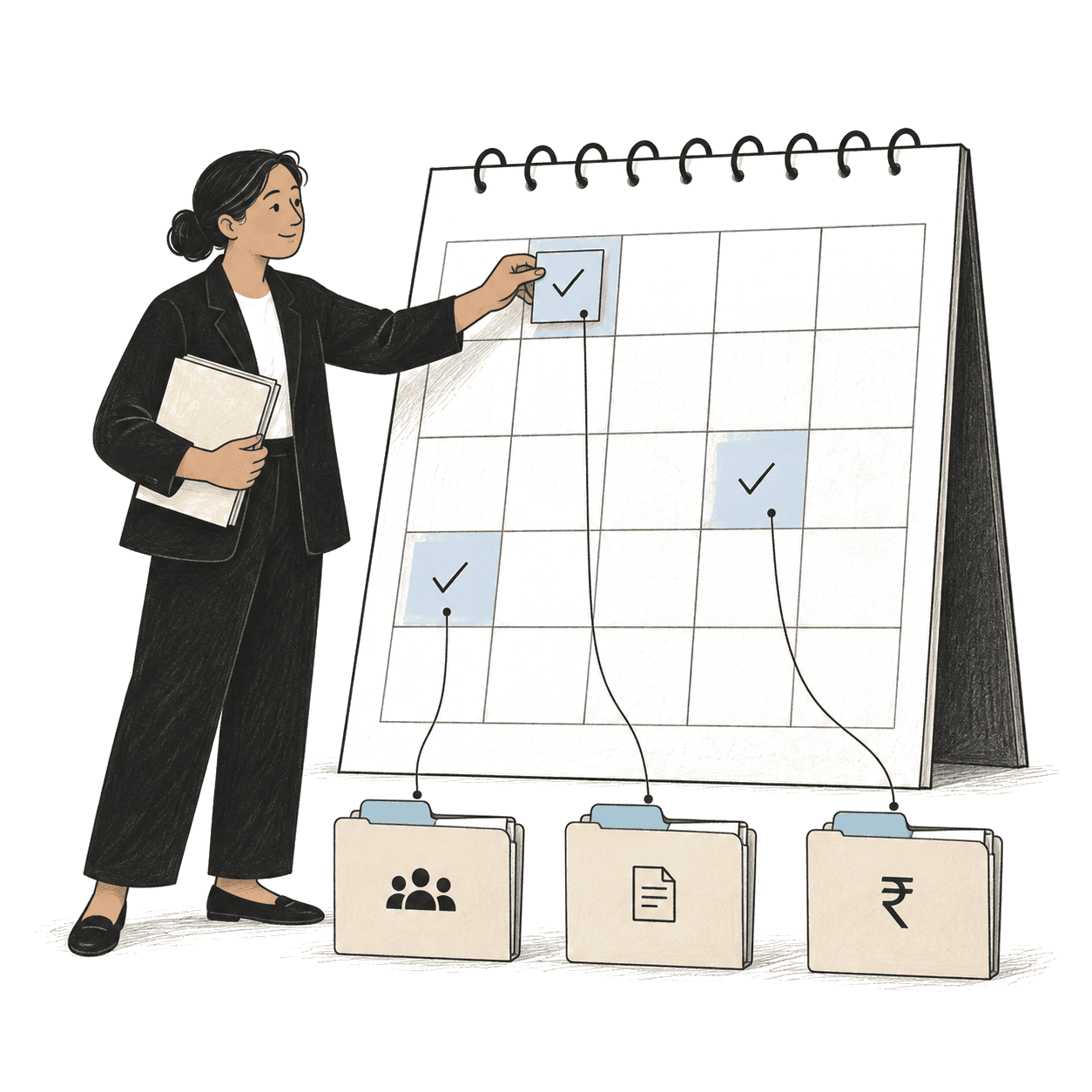
Annual planning, recurring work, statutory due-date tracking and bulk updates, with daily attention queues and a shared calendar for deadlines and meetings.

Work Packs & review
Documents, reviews and filing readiness.
Work Packs bring prerequisites, document versions, internal questions and approval records together, with review queues and filing-readiness checks.
Income tax return · AY 2026-27 · Arvind & Sons HUFIn progress
Prerequisites · independently assigned
Questions
To client: Was the Pune flat sold before or after 23 July?
Awaiting reply · sent 18 Sep
Review steps
1. Preparer sign-off · RS2. Reviewer · AK3. Client approval · Arvind
Client mobile app
One app for every client business.
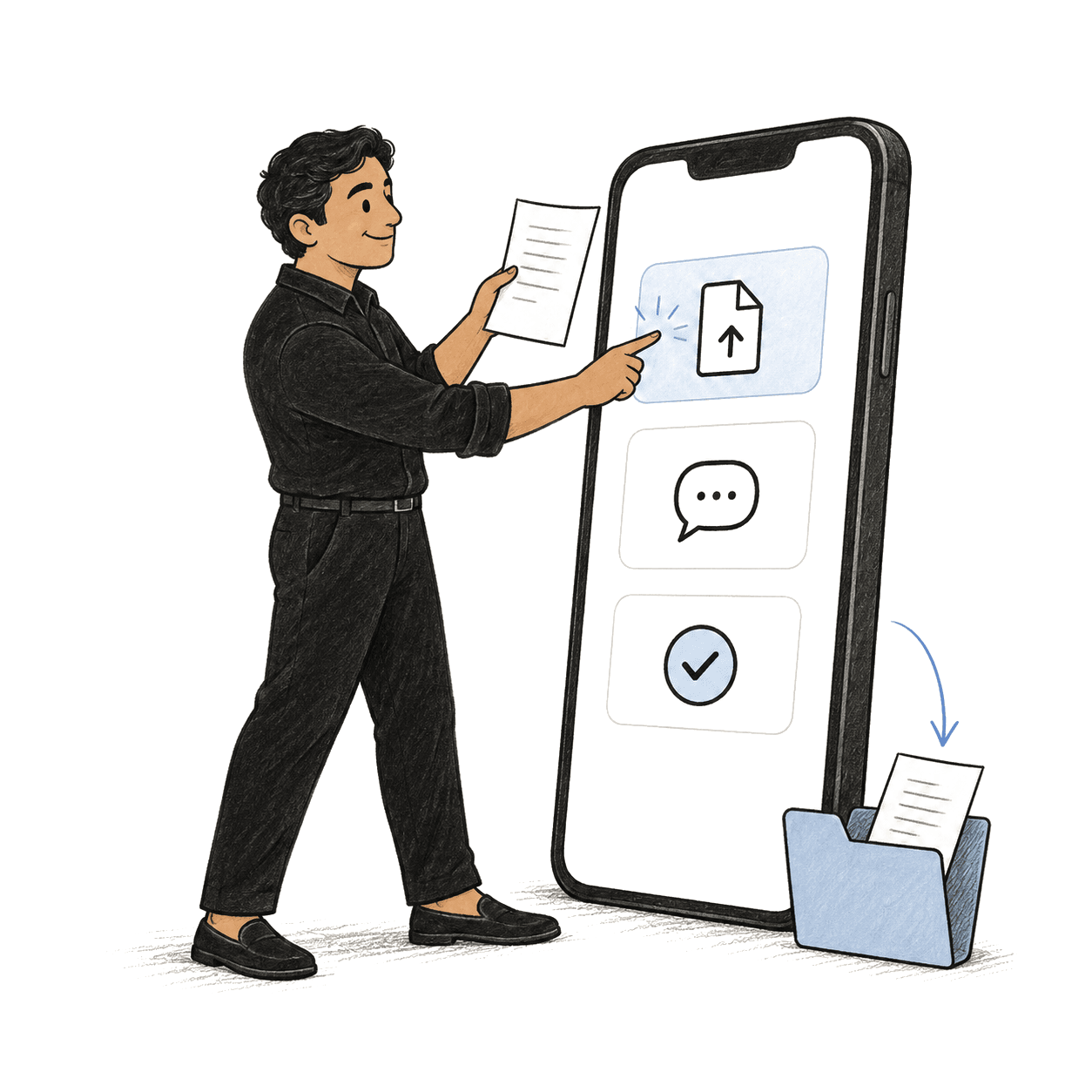
A dedicated phone app for service requests, status updates, documents, questions and approvals—with multiple businesses under one sign-in.
- Request a service
- Track services
- Documents & approvals
- Switch business
Hindi and Telugu support. Biometric app lock.
In-app card and UPI payments.
Billing & collections
Ready-to-bill work. Flexible collections.
Ready-to-bill queues, bulk invoices, credit notes and payment records, with partial-payment allocation and configurable deliverable release terms.
- Reviewed work · AK signed offDone
- Draft invoice · ₹24,000Created
- Finance review · then issueNow
- Payment recorded · UPI or bank transferNext
- Deliverable release · on your release termsHeld
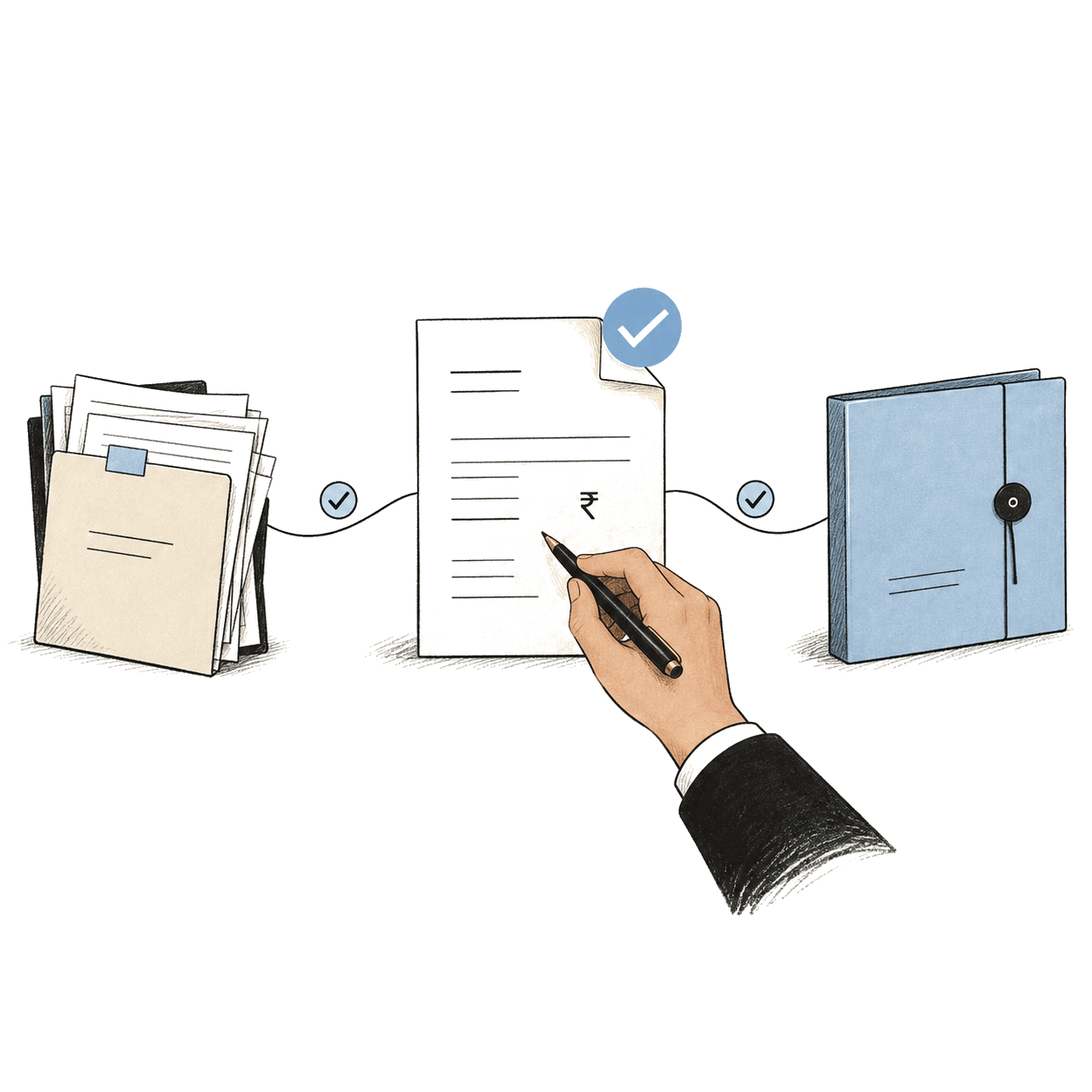
Client mobile app
Your clients’ side of the work, on their phone.
A dedicated app for your clients: what you need from them, their services and documents, and conversations with your team—with reminders when something is due.

How clients use it
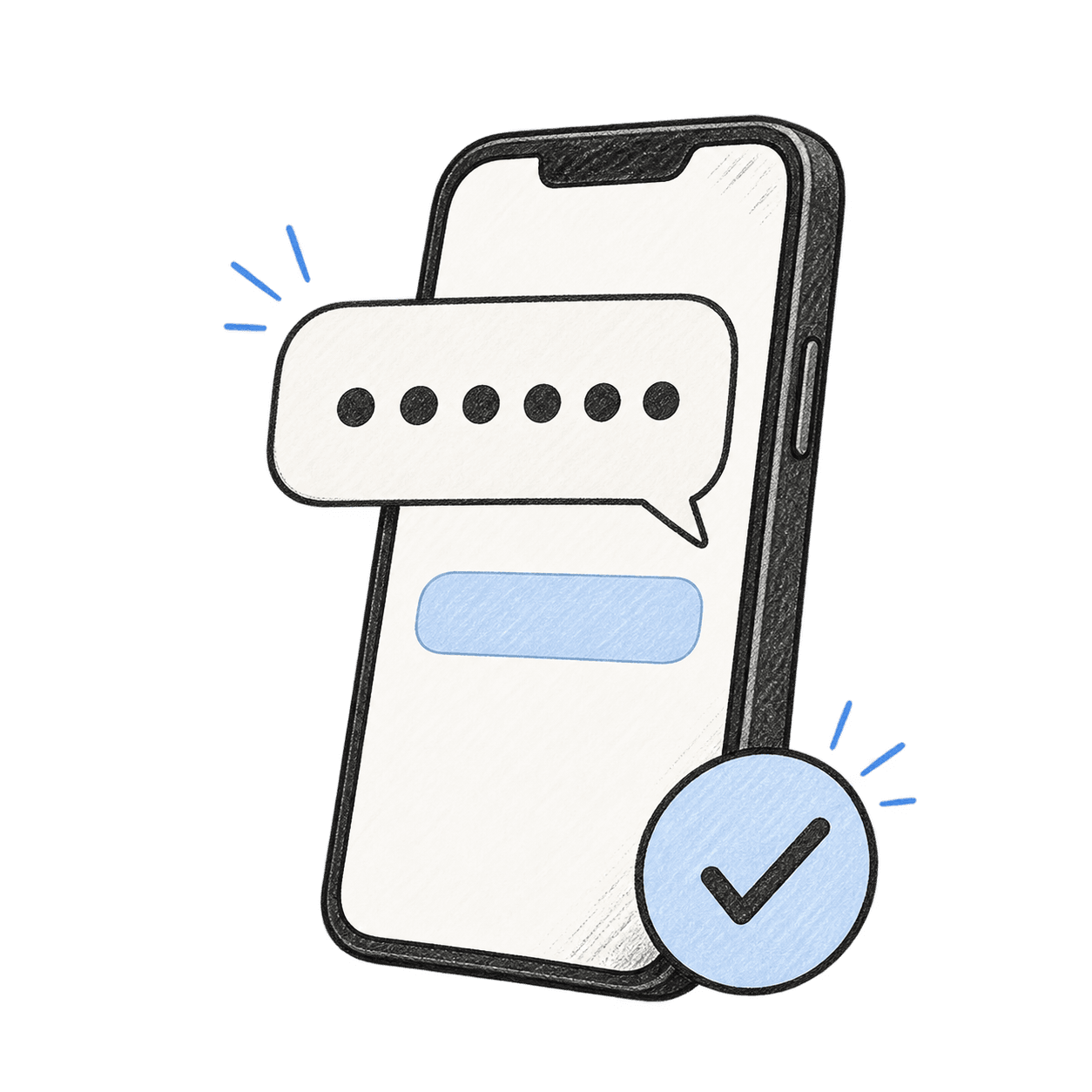
Sign in with Google
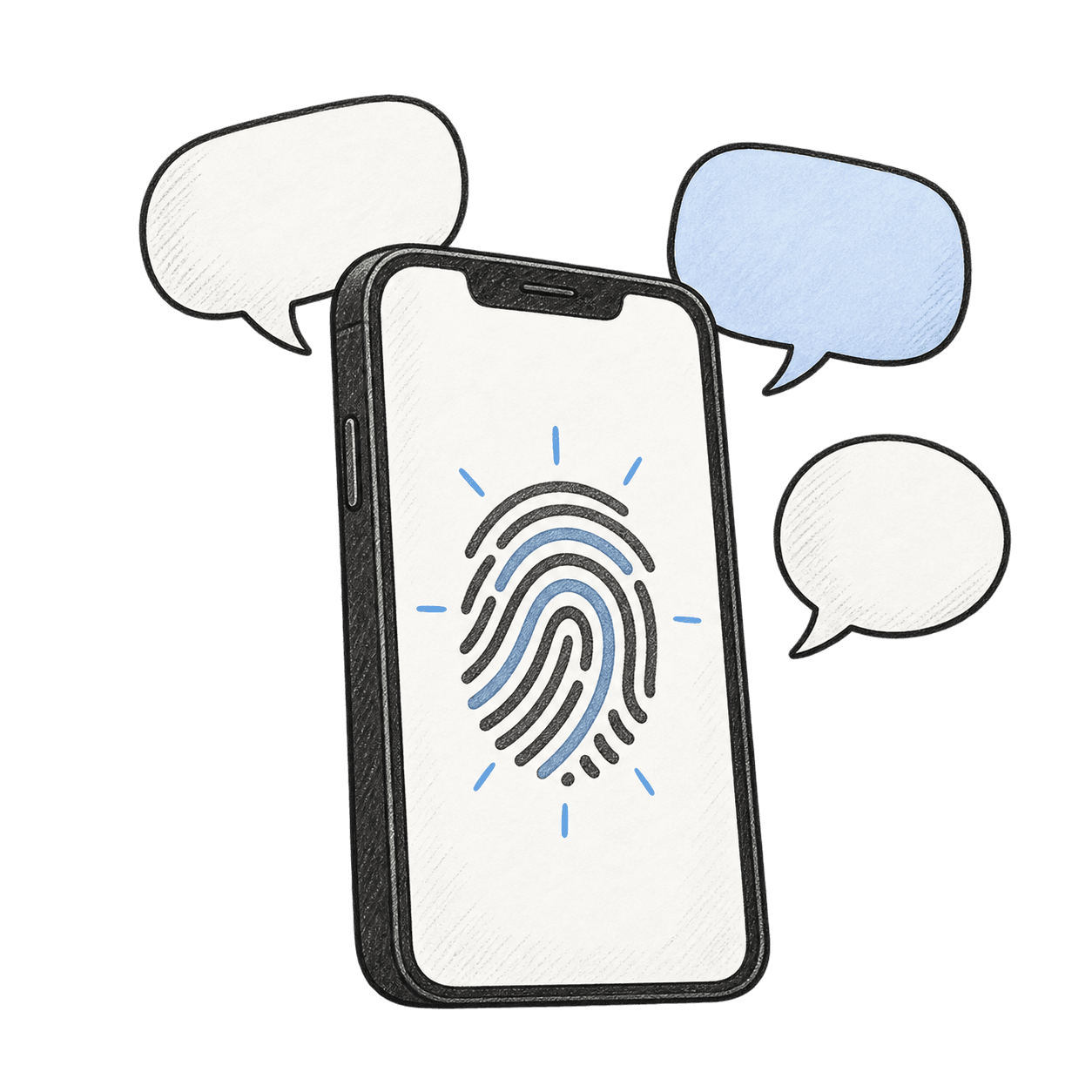
Clients sign in with their Google account, then open the app with their fingerprint or face. There is no password to remember.
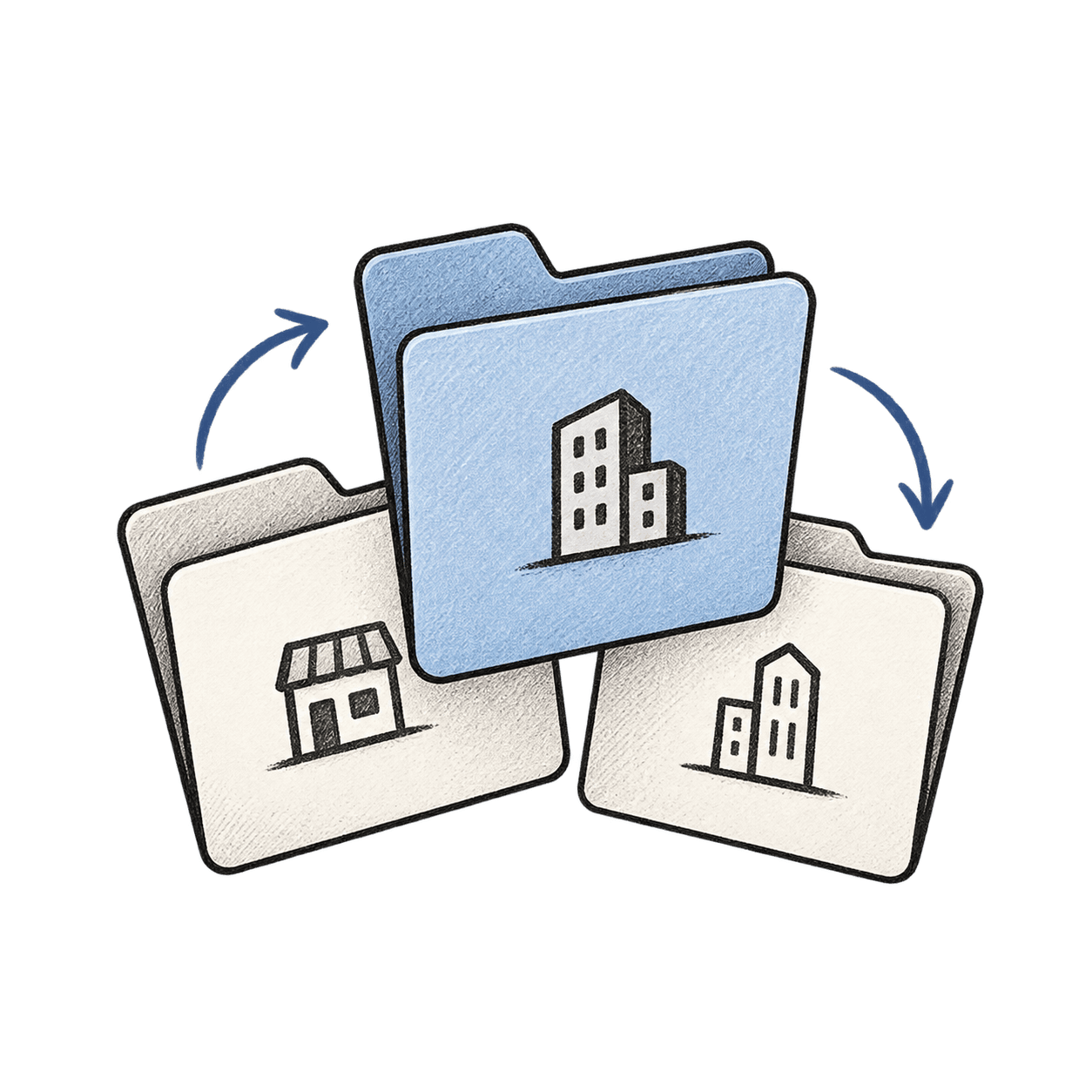
Choose the business
One sign-in can hold several businesses, each with its own services and documents.
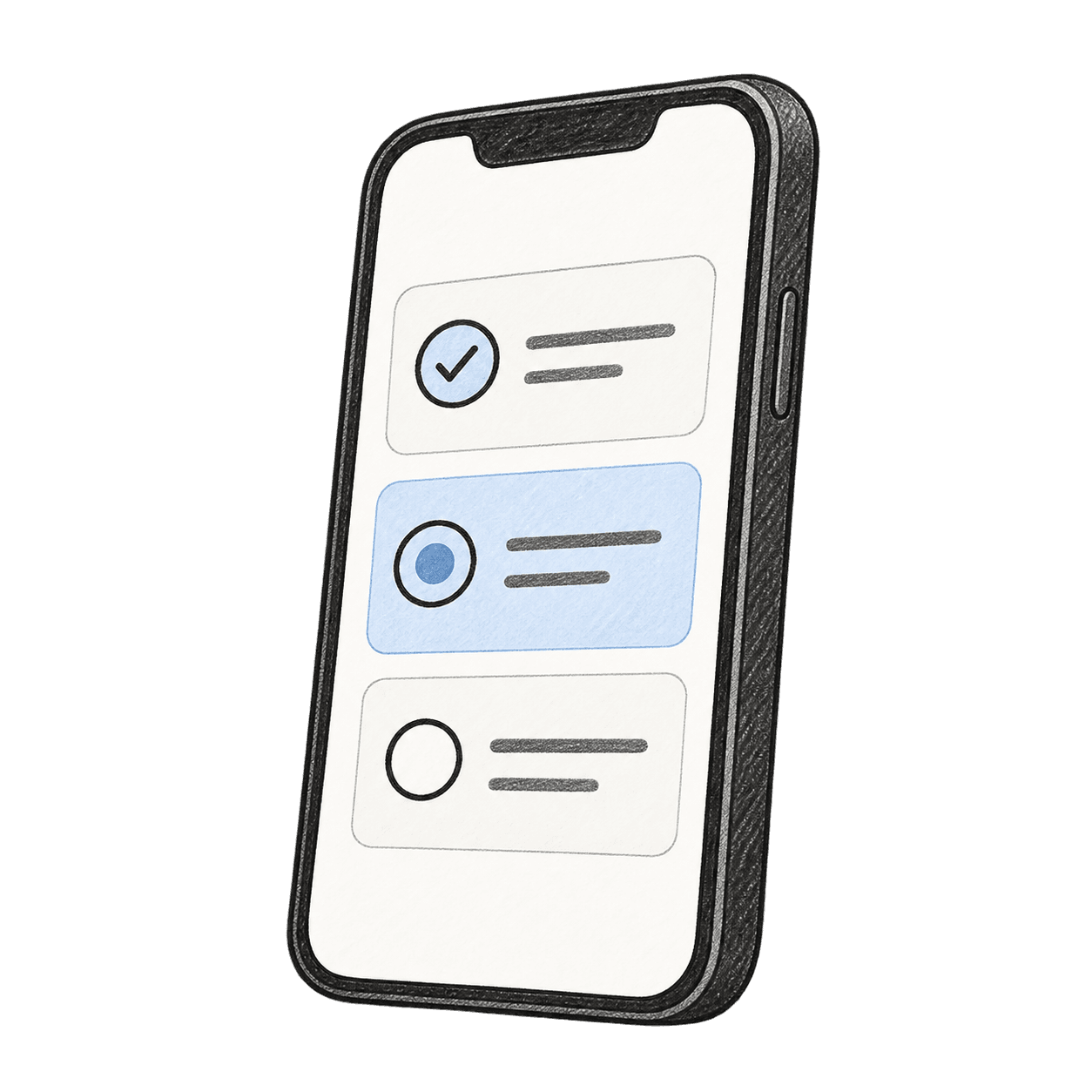
See what is needed
Home lists what your practice is waiting on, the services in progress and what is due.
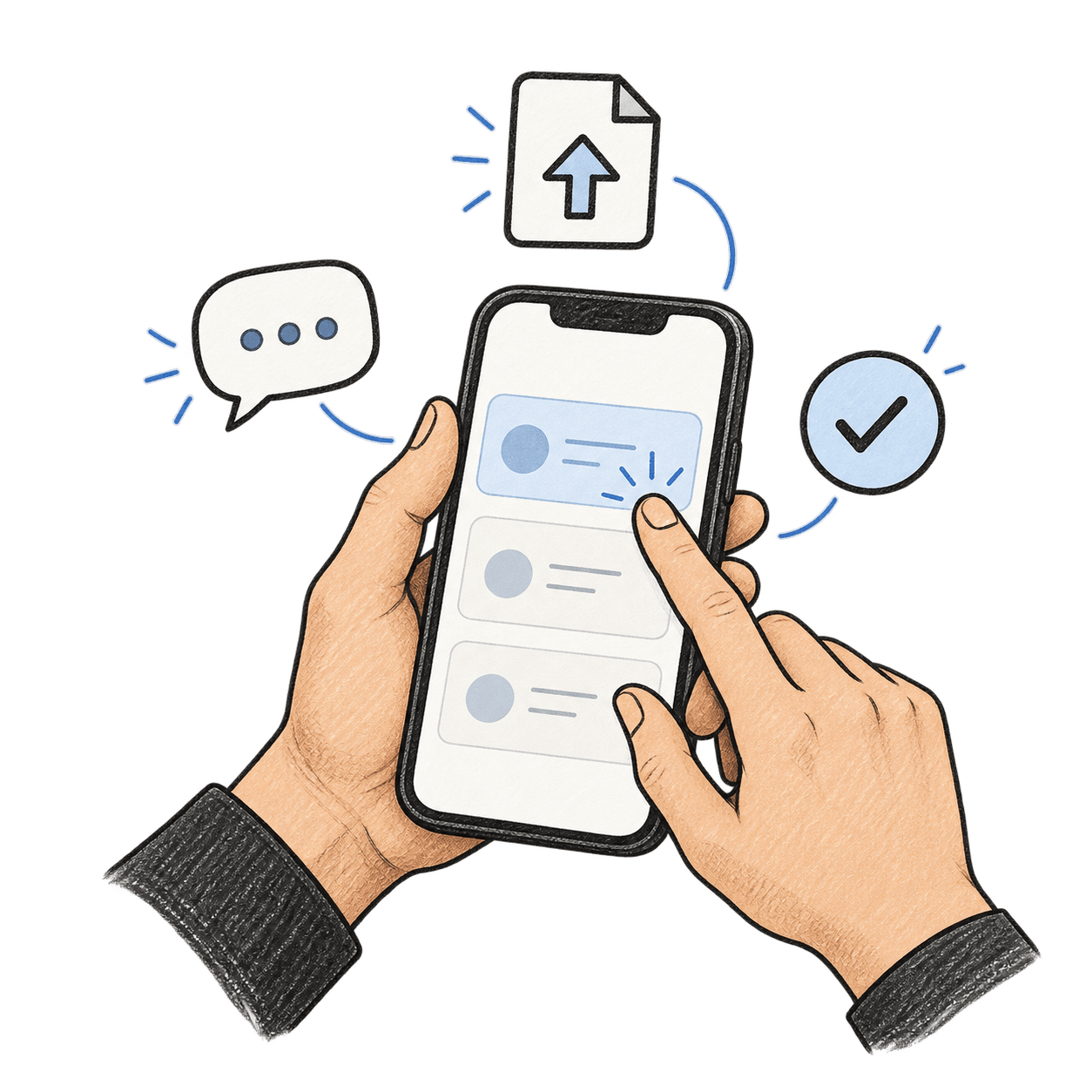
Reply and approve
Clients answer questions, upload files and approve work on the request itself.
Download documents
Documents your practice releases are ready to download in the app.
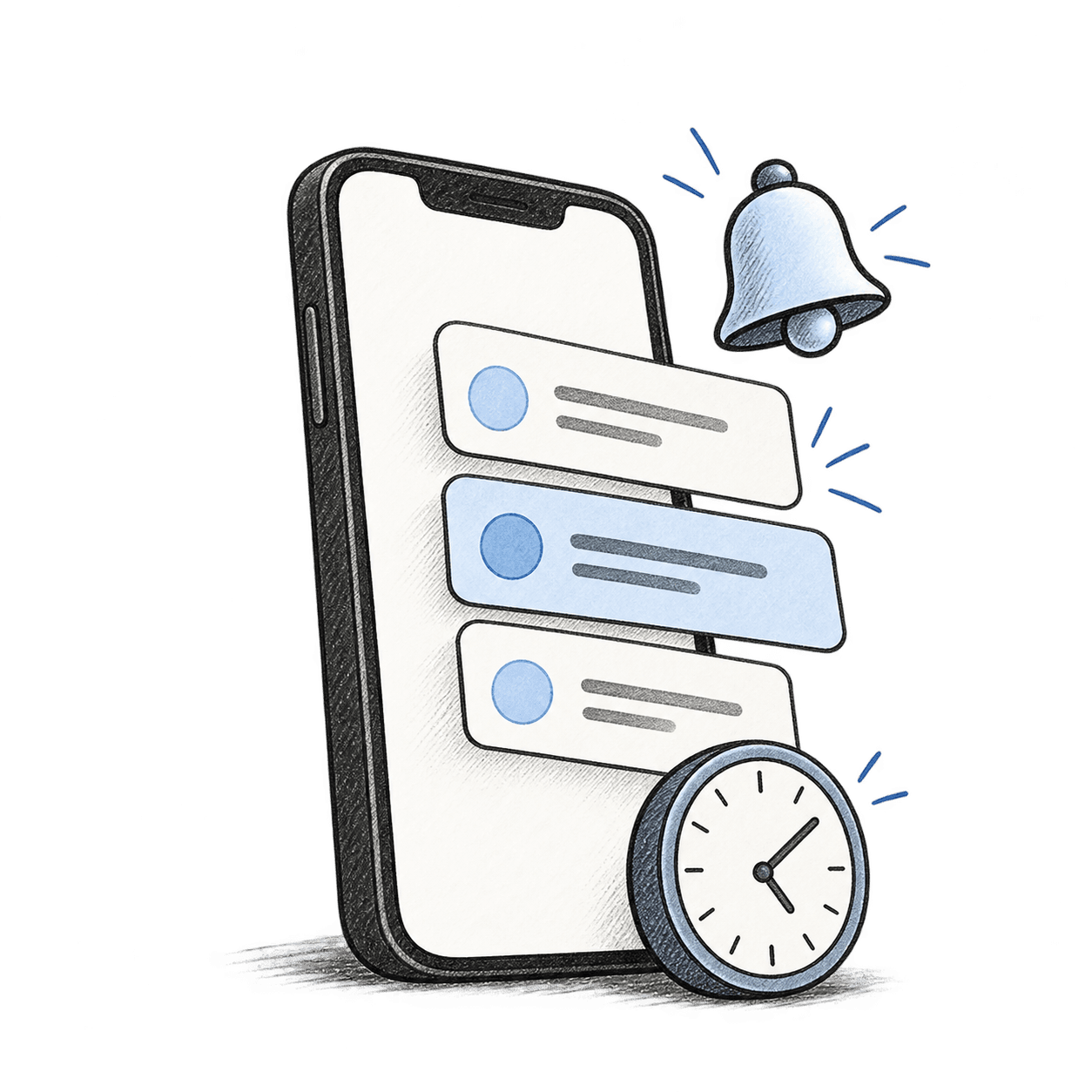
Notifications
Reminders that stop when the work is done.
New requests, messages, payments and released documents arrive in the app’s notification centre, and opening one goes straight to what it is about.
- Reminders for actions that are due, on a schedule your practice sets
- Reminders stop once the action is done
- Clients choose which messages they get; security and payment messages always arrive
Push notifications
The same notifications reach the phone, even when the app is closed.
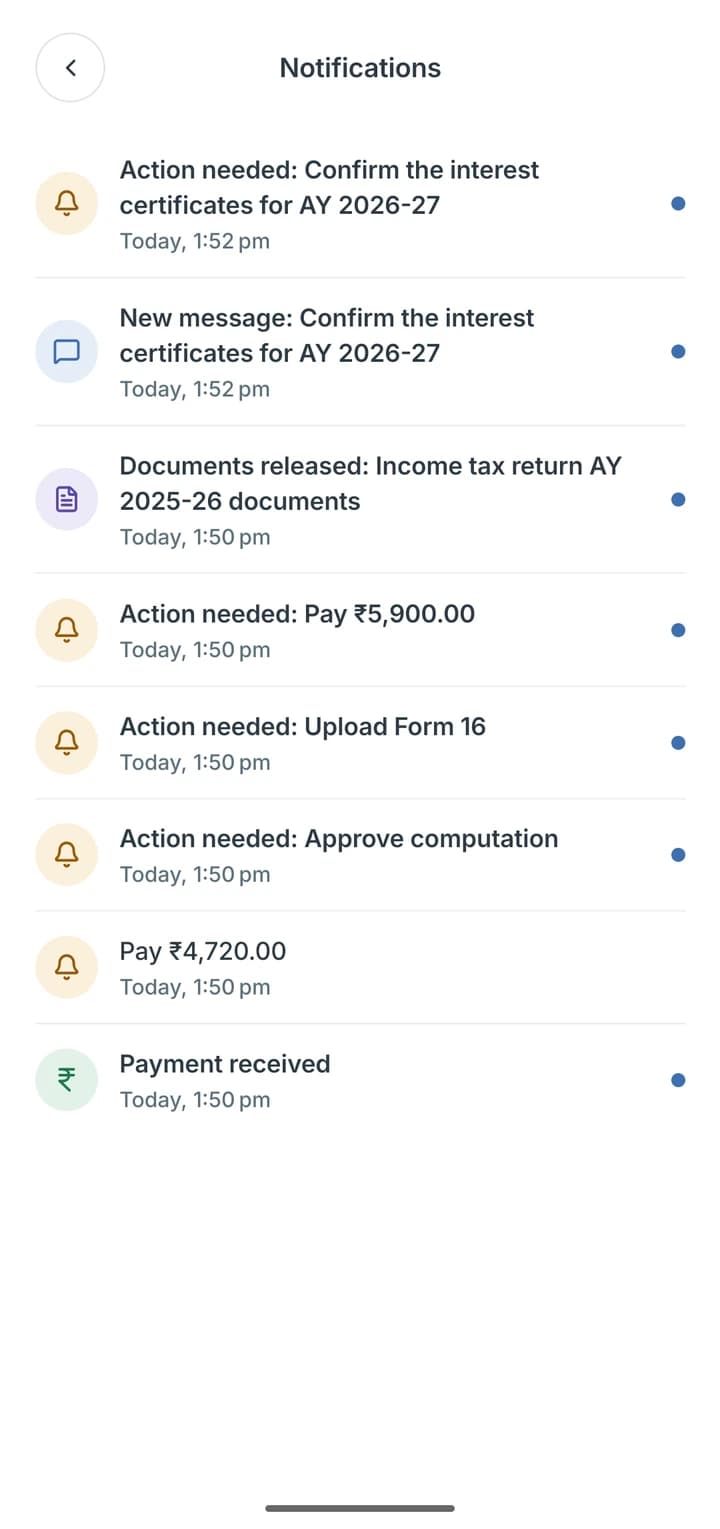
Notification centre
Requests, messages, documents and payments, newest first.
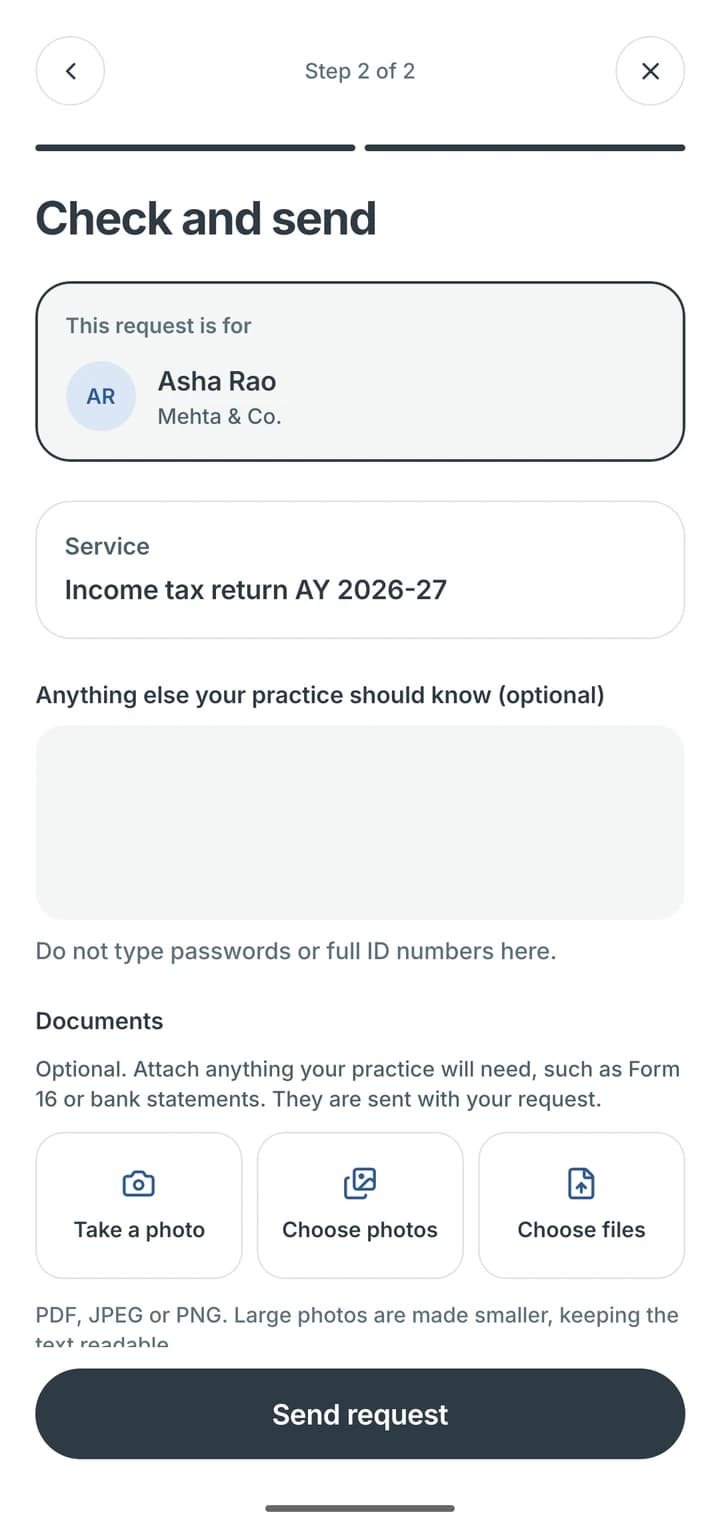
Request a service
The account, service and attachments, checked before sending.
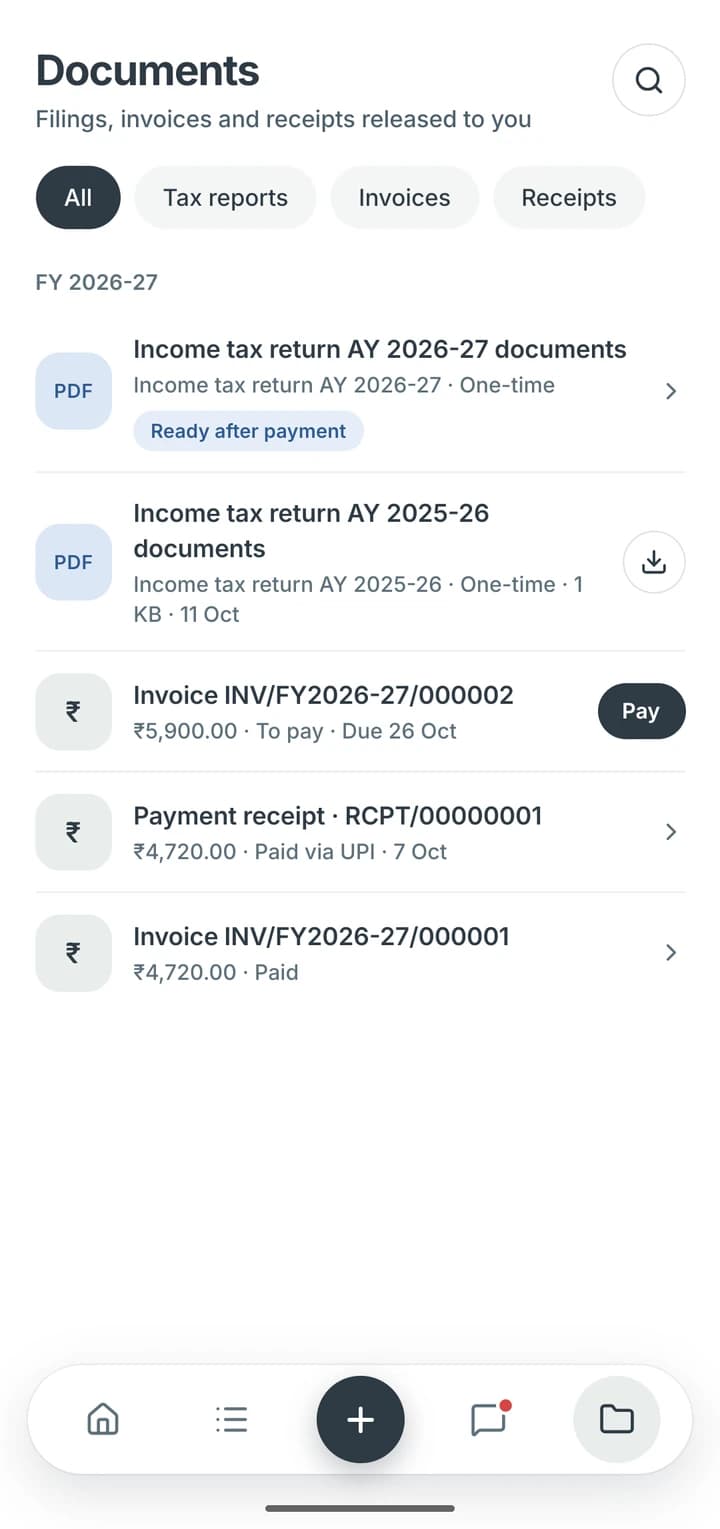
Documents
Released documents, invoices and receipts in one place.
Everything else a client needs.
In their own language, behind their phone’s lock, for every business they run.

Service requests
Clients choose a service, answer its questions and attach files, for the right business and registration.

Camera, photos and files
Photos from the camera or the library, and PDF files, go straight to the request they belong to.

Approvals and confirmations
Clients approve work and confirm details in a tap, and the answer stays with the request.

Conversations
Each service has its own conversation with your team, so answers stay with the work.

Several businesses
Each business keeps its own services, documents and requests, and switching takes a tap.

English, Hindi or Telugu
Clients choose their language, and a light or dark appearance.

App lock
The app can stay locked behind the phone's fingerprint, face or PIN unlock.

Signed-in devices
Clients see where they are signed in and sign out other devices.

Invoice payments
Clients pay invoices by card or UPI in the app.

Tally ledgers and statements
Clients see permitted ledgers and PDF statements from your firm's Tally workspace.
Clients, people & performance
More of your practice, connected.
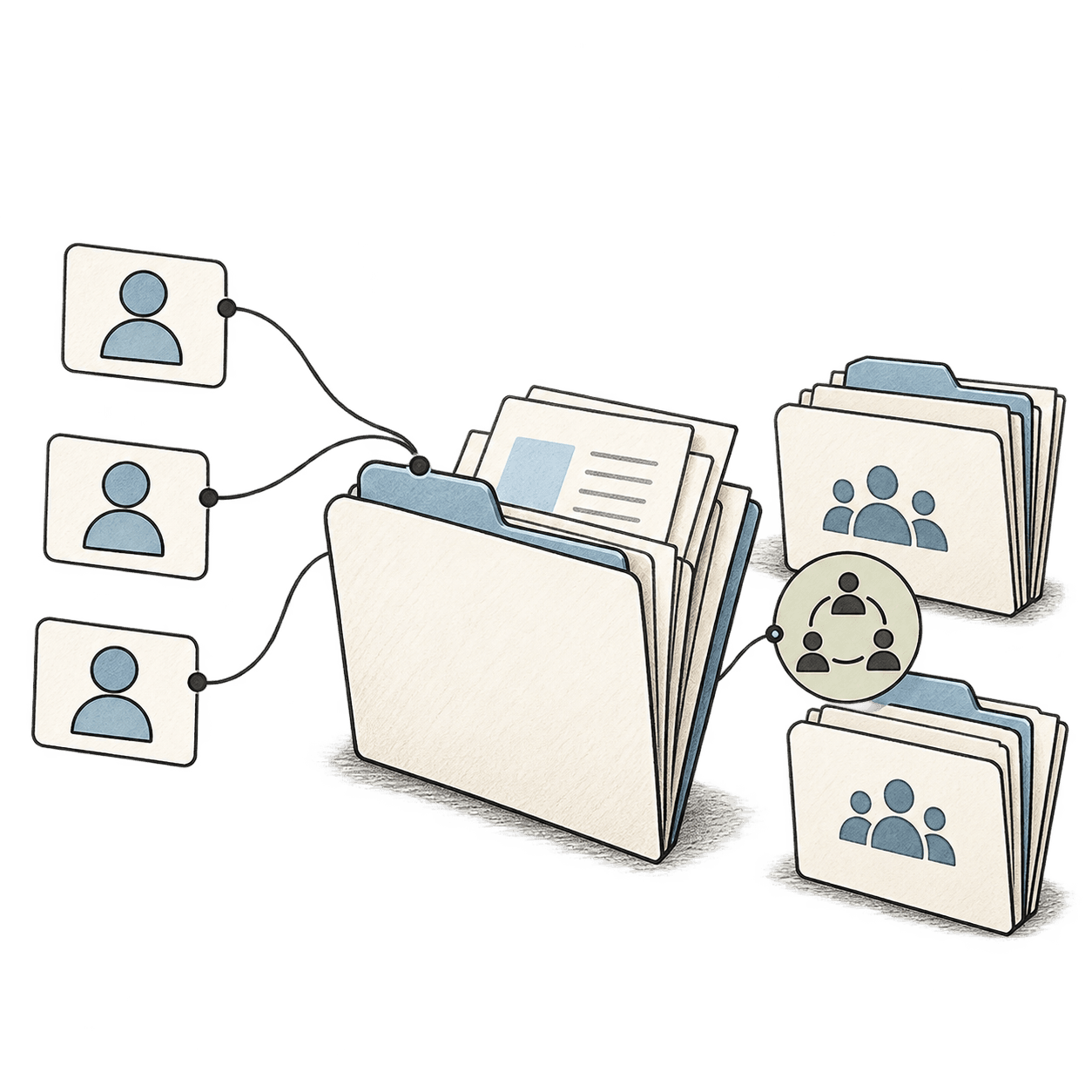
CRM and referrals
Lead pipelines, follow-up queues, client groups and referral tracking, alongside your client records.
- Leads & follow-ups
- Client groups & imports
- Referral commissions
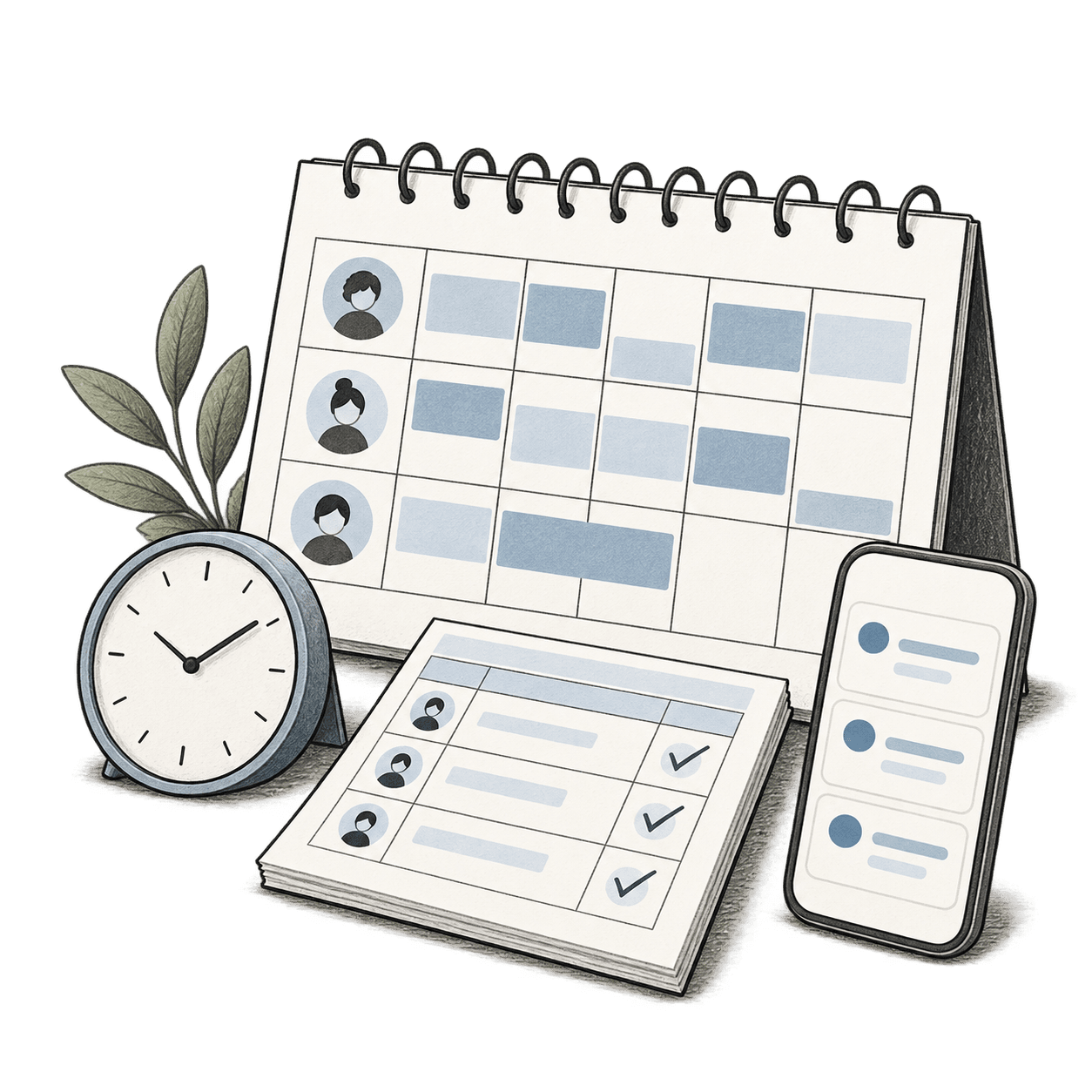
Team capacity and time
Workload visibility, approved timesheets and time budgets, with staff work queues and client chat on mobile.
- Capacity & workload
- Timesheets & budgets
- Staff mobile access

Practice profitability
Profitability and return-on-investment views by client, service and referrer, alongside budget-versus-actual time.
- Client profitability
- Service profitability
- Referrer insights
Walkthrough
See how SynaptechOne fits your practice.

Product demo
Explore SynaptechOne with your team.
See client management, work planning, mobile access, billing and practice insights in one demonstration.
- Clients & services
- Work & team planning
- Client & staff mobile apps
- Billing & insights
Security & access
Access, privacy and accountability.
Security controls for the way your practice works.

Authenticator sign-in
Admin and finance accounts sign in with an authenticator app, and sensitive actions such as revealing a PAN ask for a recent authenticator check.

Role-based access
Permissions limit the client records, work and actions available to each team member, based on their role and client assignments.

Practice data separation
Each practice's records are separated in the database, so team members of one practice cannot see or change another practice's data.

Data retention
Your practice sets retention rules for each kind of record. Only lost leads and old notifications can be deleted on a schedule, and a legal hold pauses deletion.

Masked identifiers
PAN and registration numbers such as GSTIN are shown masked, and revealing a full PAN needs permission and is recorded in the audit history.

AWS secured server
SynaptechOne runs on AWS in the Mumbai region. Its servers and database are not reachable from the internet, file storage is private, and infrastructure changes are recorded.

Time-limited support access
Support access to your practice is time-limited, and each grant and each use is recorded for your authorised staff to review.

Firewall protection
A web application firewall turns away known malicious addresses and request patterns and limits repeated requests, and network rules let traffic reach SynaptechOne's servers only through it.
FAQ
Answers to the questions that come up most.
Who is SynaptechOne designed for?
Indian CA, tax and accounting practices managing recurring and one-off services. The platform includes practice and team workspaces, staff mobile access and a dedicated client mobile app.
Does SynaptechOne replace Tally or filing software?
No. Tally connectivity gives staff access to the firm's Tally workspace from a Work Pack and clients access to permitted ledgers and PDF statements in the phone app.
Can we start with part of the practice?
Yes. Many firms begin with one service line or one team and add the rest once the recurring work is set up. Clients, services and Work Packs are added as you go.
Can we import existing client records?
Yes. SynaptechOne supports spreadsheet imports, client groups and duplicate-client detection.
What do we need to get started?
Your client list, the services you deliver for each client, and who on the team is responsible for what. Recurring work is created from those services, and the practice overview fills in as work is assigned.

SynaptechOne
A clearer way to run your practice.
Clients, services, work, people and billing—connected in SynaptechOne.